🚚 Free Worldwide Shipping on All Orders!Shop Now

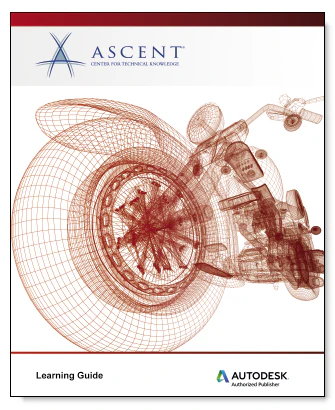
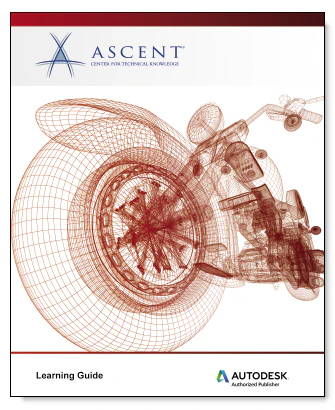
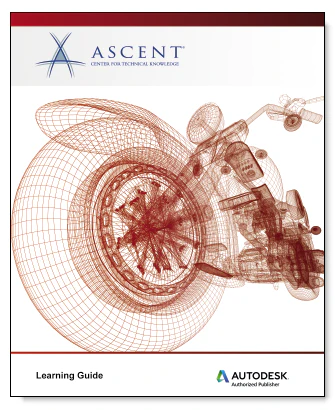
Ascent Autodesk Inventor 2021: Fundamentals for CAM Users (Mixed Units) eBook
The Autodesk® Inventor® 2021: Fundamentals for CAM Users guide is intended to provide accelerated introductory training in the Autodesk® Inventor® software for users that will be primarily using the Inventor CAM functionality. This hands-on, practice-intensive guide is developed to instruct users with the basic modeling and assembly skills that they may need to create or work with files that will be set up for manufacturing with Inventor CAM.
Prerequisites:
This guide does not cover the Inventor CAM functionality. For Inventor CAM training, you should refer to the Autodesk® Inventor® 2021 CAM: Milling Fundamentals guide. If more extensive Inventor modeling experience is required, it is recommended that you refer to the Autodesk® Inventor® 2021: Introduction to Solid Modeling guide.
Topics Covered:
- Understanding the Autodesk Inventor software interface
- Creating, constraining, and dimensioning 2D sketches
- Creating and editing the solid base 3D feature from a sketch
- Creating and editing secondary solid features that are sketched and placed
- Manipulating the display of the model
- Duplicating geometry in the model
- Placing and constraining/connecting parts in assemblies
- Manipulating the display of components in an assembly
- Obtaining model measurements and property information
- Working with projects
- Customizing the Autodesk Inventor environment
Prerequisites:
- Access to the 2021.0 version of the software, to ensure compatibility with this guide. Future software updates that are released by Autodesk may include changes that are not reflected in this guide. The practices and files included with this guide are not compatible with prior versions (e.g., 2020).
- As an introductory guide, Autodesk® Inventor® 2021: Fundamentals for CAM Users does not assume prior knowledge of any 3D modeling or CAD software. You need to be experienced with the Windows operating system, and having a background in drafting of 3D parts is recommended.
$69.95
Ascent Autodesk Inventor 2021: Fundamentals for CAM Users (Mixed Units) eBook—
$69.95
Product Information
Product Information
Shipping & Returns
Shipping & Returns
Description
The Autodesk® Inventor® 2021: Fundamentals for CAM Users guide is intended to provide accelerated introductory training in the Autodesk® Inventor® software for users that will be primarily using the Inventor CAM functionality. This hands-on, practice-intensive guide is developed to instruct users with the basic modeling and assembly skills that they may need to create or work with files that will be set up for manufacturing with Inventor CAM.
Prerequisites:
This guide does not cover the Inventor CAM functionality. For Inventor CAM training, you should refer to the Autodesk® Inventor® 2021 CAM: Milling Fundamentals guide. If more extensive Inventor modeling experience is required, it is recommended that you refer to the Autodesk® Inventor® 2021: Introduction to Solid Modeling guide.
Topics Covered:
- Understanding the Autodesk Inventor software interface
- Creating, constraining, and dimensioning 2D sketches
- Creating and editing the solid base 3D feature from a sketch
- Creating and editing secondary solid features that are sketched and placed
- Manipulating the display of the model
- Duplicating geometry in the model
- Placing and constraining/connecting parts in assemblies
- Manipulating the display of components in an assembly
- Obtaining model measurements and property information
- Working with projects
- Customizing the Autodesk Inventor environment
Prerequisites:
- Access to the 2021.0 version of the software, to ensure compatibility with this guide. Future software updates that are released by Autodesk may include changes that are not reflected in this guide. The practices and files included with this guide are not compatible with prior versions (e.g., 2020).
- As an introductory guide, Autodesk® Inventor® 2021: Fundamentals for CAM Users does not assume prior knowledge of any 3D modeling or CAD software. You need to be experienced with the Windows operating system, and having a background in drafting of 3D parts is recommended.