🚚 Free Worldwide Shipping on All Orders!Shop Now

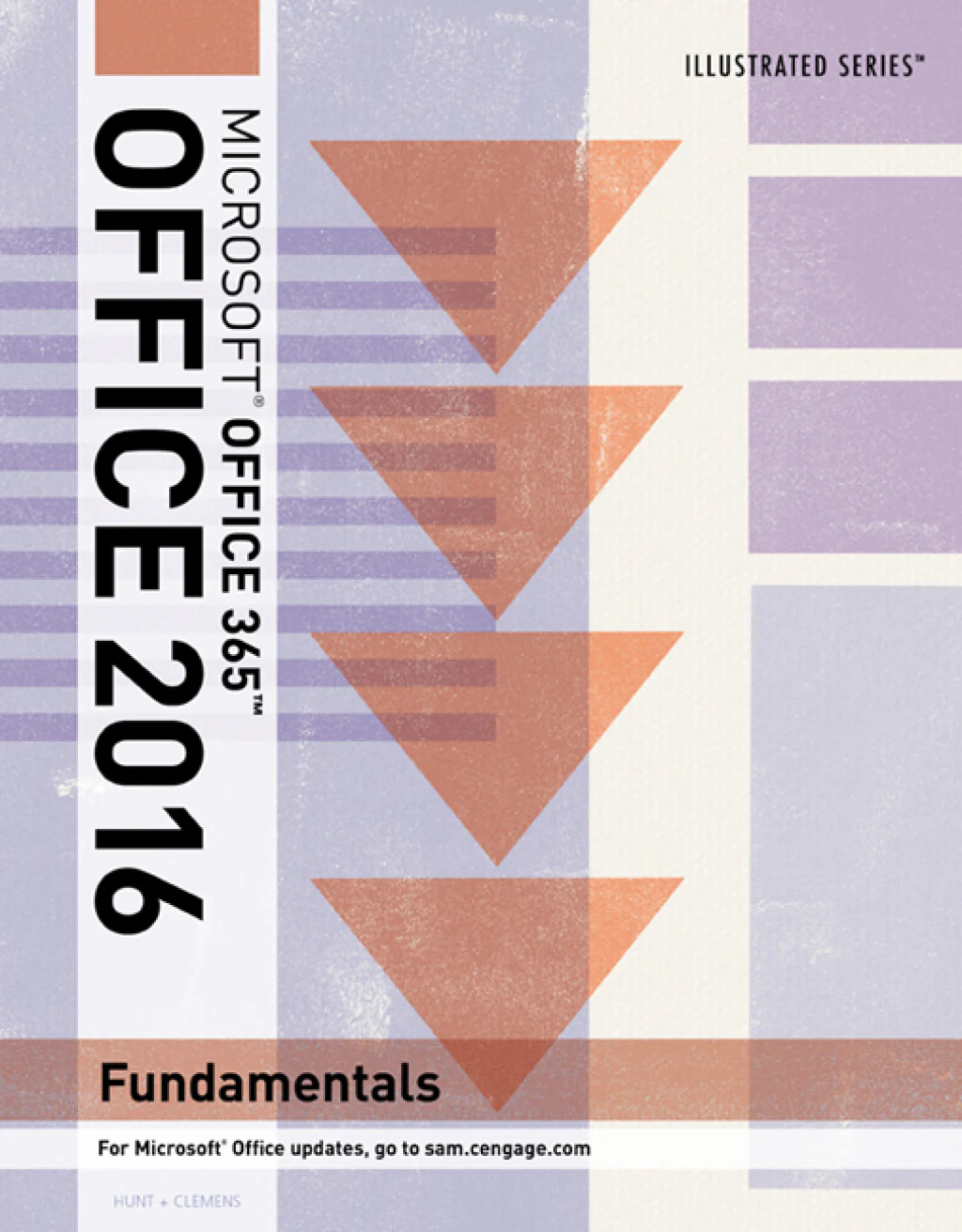
Illustrated Microsoft® Office 365 & Office 2016: Fundamentals
Captivate both computer rookies and pros as you guide them in mastering Microsoft® Office 2016 applications quickly and efficiently with ILLUSTRATED MICROSOFT® OFFICE 365 & OFFICE 2016: FUNDAMENTALS, part of the acclaimed Illustrated Series. Praised for its concise, focused approach and user-friendly format, the Illustrated Series features a hallmark two-page layout that allows students to see an entire task in one view. Presentations are easy to follow with Learning Outcomes that outline skills covered in each lesson. Larger full-color screen images reflect exactly what students should see on their own computers. Each module begins with a brief overview of the lesson’s principles and introduces an updated case study for further application. New coverage of Productivity Apps visually introduces Microsoft® OneNote, Sway, Office Mix, and Edge using fun, hands-on activities. Companion Sways provide videos and step-by-step instructions to help students learn to master each app.
Important Notice: Media content referenced within the product description or the product text may not be available in the ebook version.
Important Notice: Media content referenced within the product description or the product text may not be available in the ebook version.
Select Duration
From $20.70
Original: $68.99
-70%Illustrated Microsoft® Office 365 & Office 2016: Fundamentals—
$68.99
$20.70Product Information
Product Information
Shipping & Returns
Shipping & Returns
Description
Captivate both computer rookies and pros as you guide them in mastering Microsoft® Office 2016 applications quickly and efficiently with ILLUSTRATED MICROSOFT® OFFICE 365 & OFFICE 2016: FUNDAMENTALS, part of the acclaimed Illustrated Series. Praised for its concise, focused approach and user-friendly format, the Illustrated Series features a hallmark two-page layout that allows students to see an entire task in one view. Presentations are easy to follow with Learning Outcomes that outline skills covered in each lesson. Larger full-color screen images reflect exactly what students should see on their own computers. Each module begins with a brief overview of the lesson’s principles and introduces an updated case study for further application. New coverage of Productivity Apps visually introduces Microsoft® OneNote, Sway, Office Mix, and Edge using fun, hands-on activities. Companion Sways provide videos and step-by-step instructions to help students learn to master each app.
Important Notice: Media content referenced within the product description or the product text may not be available in the ebook version.
Important Notice: Media content referenced within the product description or the product text may not be available in the ebook version.